Blog
nopCommerce Is More Than an Online Store
Most people meet nopCommerce as store software, and that is exactly what it is good at. But that framing hides something useful. Underneath the shopping cart, nopCommerce is a mature ASP.NET Core application with user accounts, role-based access, a task scheduler, security, and a full admin back office already built. Those are the parts almost every business app needs, and they are the parts that are slow and boring to build from scratch.
So here is the idea worth considering: nopCommerce can be a strong base for custom business applications that never sell a product. You inherit the plumbing, then build only the part that is actually your business. This post is what you get, what you can build with it, and when it is the wrong tool.
The short version
nopCommerce is a full application platform, not just a catalog and checkout. For the right kind of custom app, starting from it saves months of building infrastructure you would otherwise write yourself.
What you inherit from day one
The features below ship with the platform. On a from-scratch project, each one is real work to build and then keep secure and maintained.
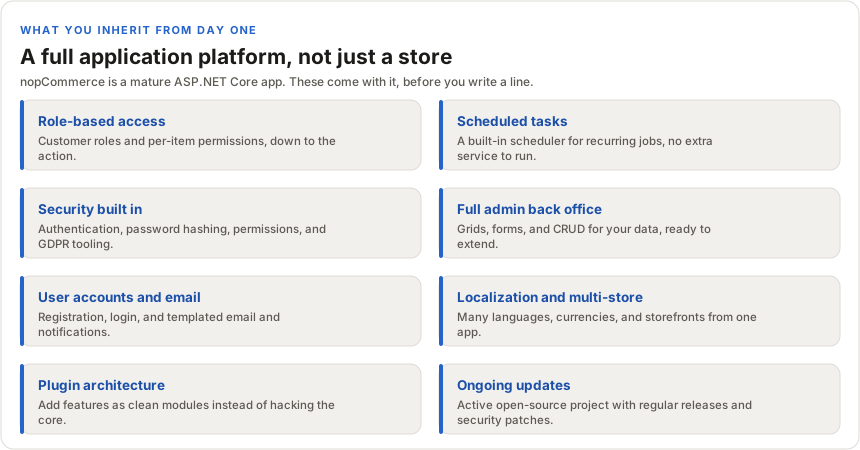
A few of those are worth calling out, because they are the ones clients ask me to build over and over:
- Role-based access. Customer roles plus permissions on individual records, and admin access controlled down to the action. Most business apps need this on day one, and getting it right is fiddly.
- Scheduled tasks. A built-in scheduler runs recurring jobs, imports, cleanups, reminders, without you standing up a separate background service.
- Security. Authentication, password hashing, permission checks, and GDPR consent tooling are already in place and maintained, rather than something you hand-roll and hope you got right.
- Ongoing updates. It is an active open-source project with a real community and regular releases, so security patches and improvements keep arriving instead of your custom stack going stale.
The head start is the whole point
Every custom app needs the same unglamorous foundation: accounts, roles, an admin area, scheduling, security, email. Build that from zero and you can spend months before you touch the feature the business actually wanted. Start from nopCommerce and that layer is already there and already tested in production by a lot of people.
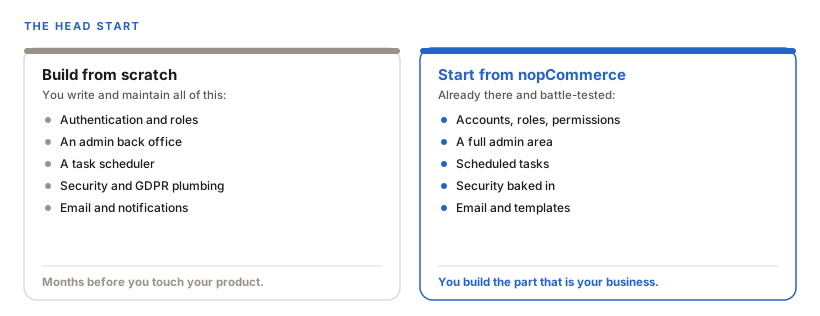
That trade is the argument. You are not paying to reinvent authentication. You are spending the budget on the part that makes your app yours.
What you can actually build
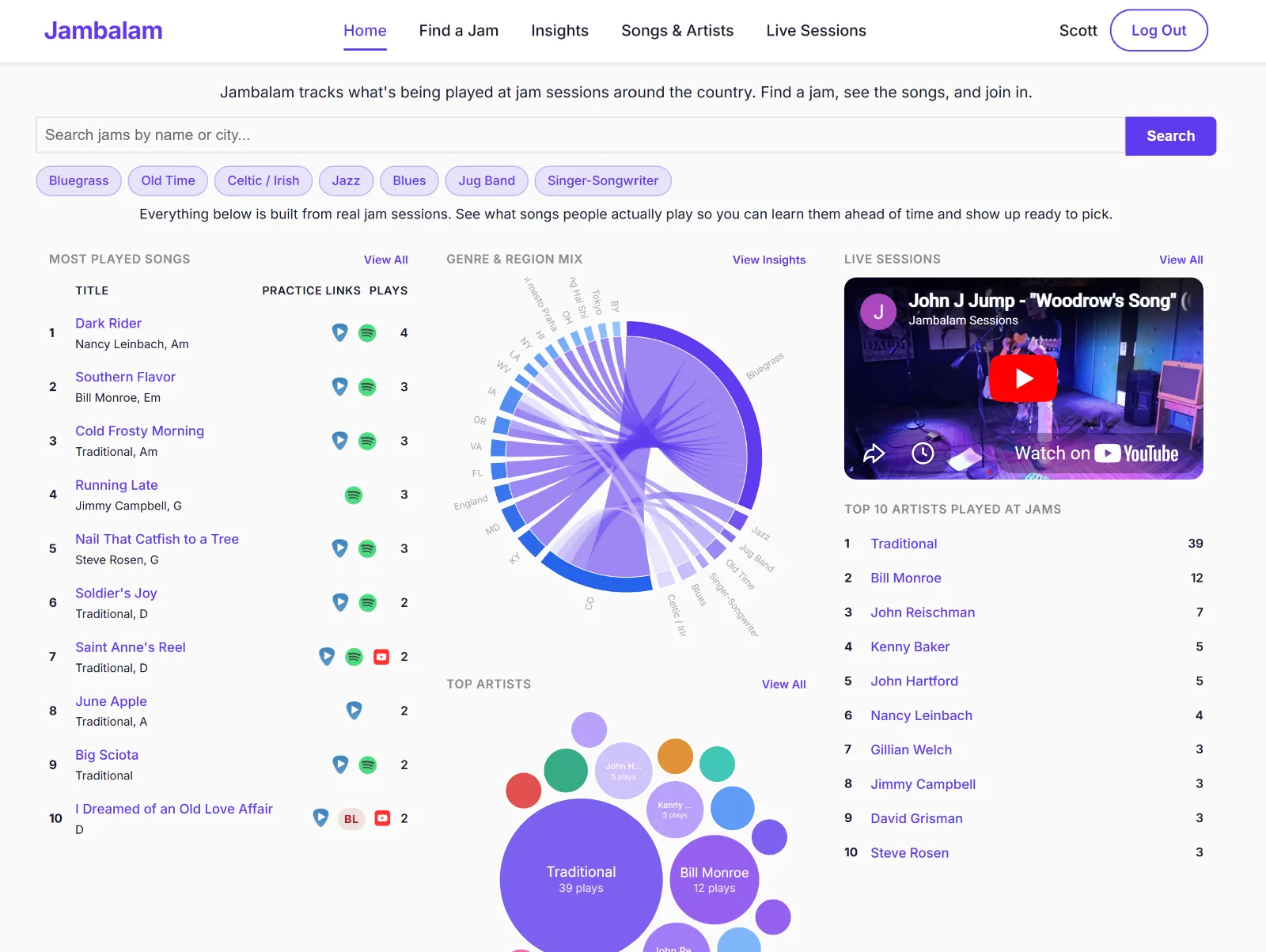
The clearest proof is that I already do this. The app behind my AI case study is built on nopCommerce and is not an online store at all, it is a platform for organizing recurring group events. It reuses the accounts, roles, scheduling, and admin, and adds its own features on top.
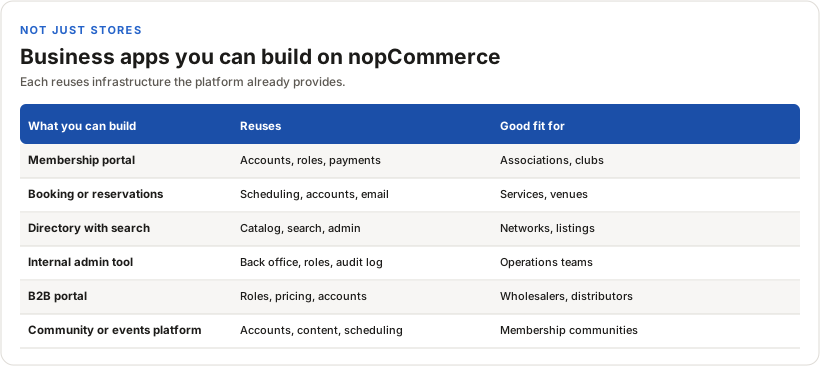
None of those are stores. They are all apps that happen to need the same foundation nopCommerce already provides.
When it is the wrong tool
I would not reach for nopCommerce for everything, and it would be dishonest to suggest otherwise. If your app is small, or it has little in common with the platform's model of users, content, and transactions, then all that built-in machinery is weight you are carrying for nothing. A plain ASP.NET Core project would be leaner and simpler to reason about. nopCommerce earns its place when your app genuinely benefits from the accounts, roles, admin, scheduling, and security it brings. If it does not, use something smaller.
Bottom line
nopCommerce is a capable ASP.NET Core application platform that happens to ship as store software. When a custom business app needs the usual foundation, roles, scheduling, security, a back office, and ongoing maintenance, starting from nopCommerce can save real time and money and give you a base that is already hardened.
Related work
nopCommerce development
-
nopCommerce
B2B portal with back-office inventory sync
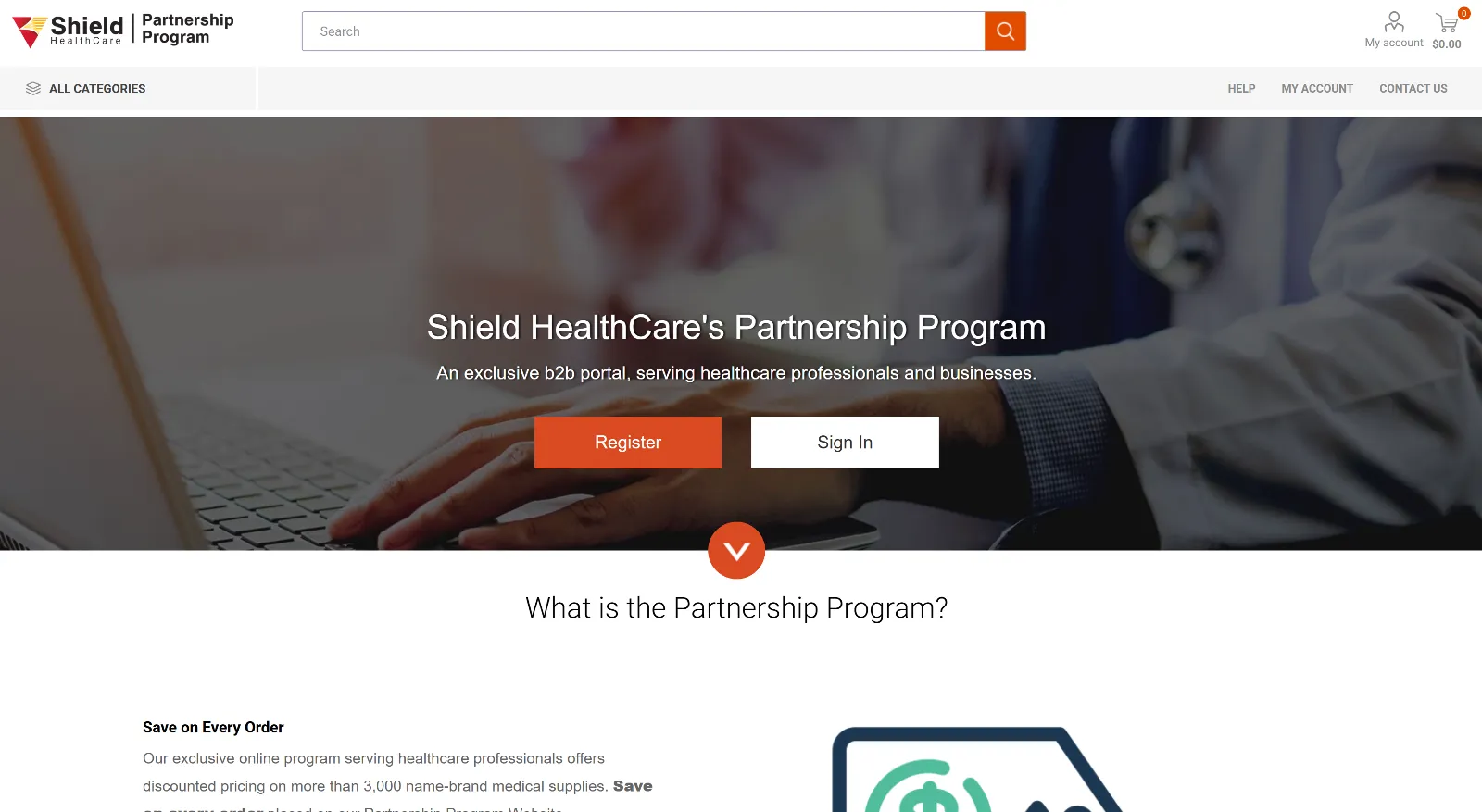
Shield Healthcare's Partnership Program is a B2B portal giving healthcare professionals discounted pricing on more than 3,000 name-brand medical supplies. I worked on the nopCommerce store behind it, including the integration that keeps its catalog in step with their back-office inventory system.
-
nopCommerce
Custom nopCommerce Plugin Development
Jambalam is a live community platform where jam-session musicians log what they played, where, and in what key — turning scattered musical knowledge into searchable data, maps, and trend visualizations. I architected it as a custom nopCommerce plugin — extending the platform through its plugin model rather than forking it — and took it from idea to production on my own: backend, AI, payments, and data viz.
-
nopCommerce
Legacy .NET replatform to nopCommerce
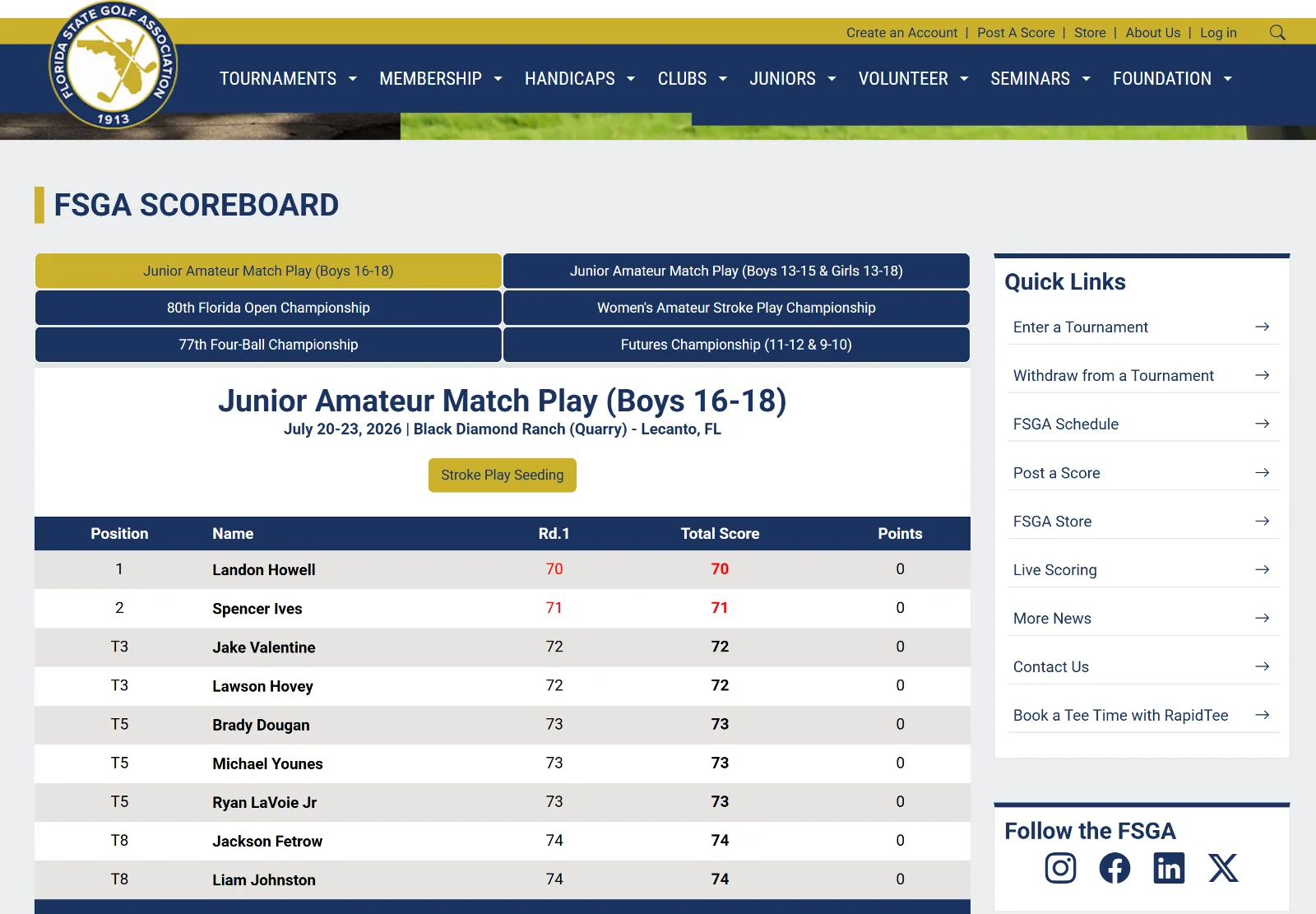
The Florida State Golf Association ran on a custom .NET platform built twelve years earlier that Microsoft no longer supported. The site's main job is golf tournament sign-ups, so the replacement had to handle traffic spikes, take payments securely, and work properly on phones. I was part of the team that moved it onto nopCommerce.


